
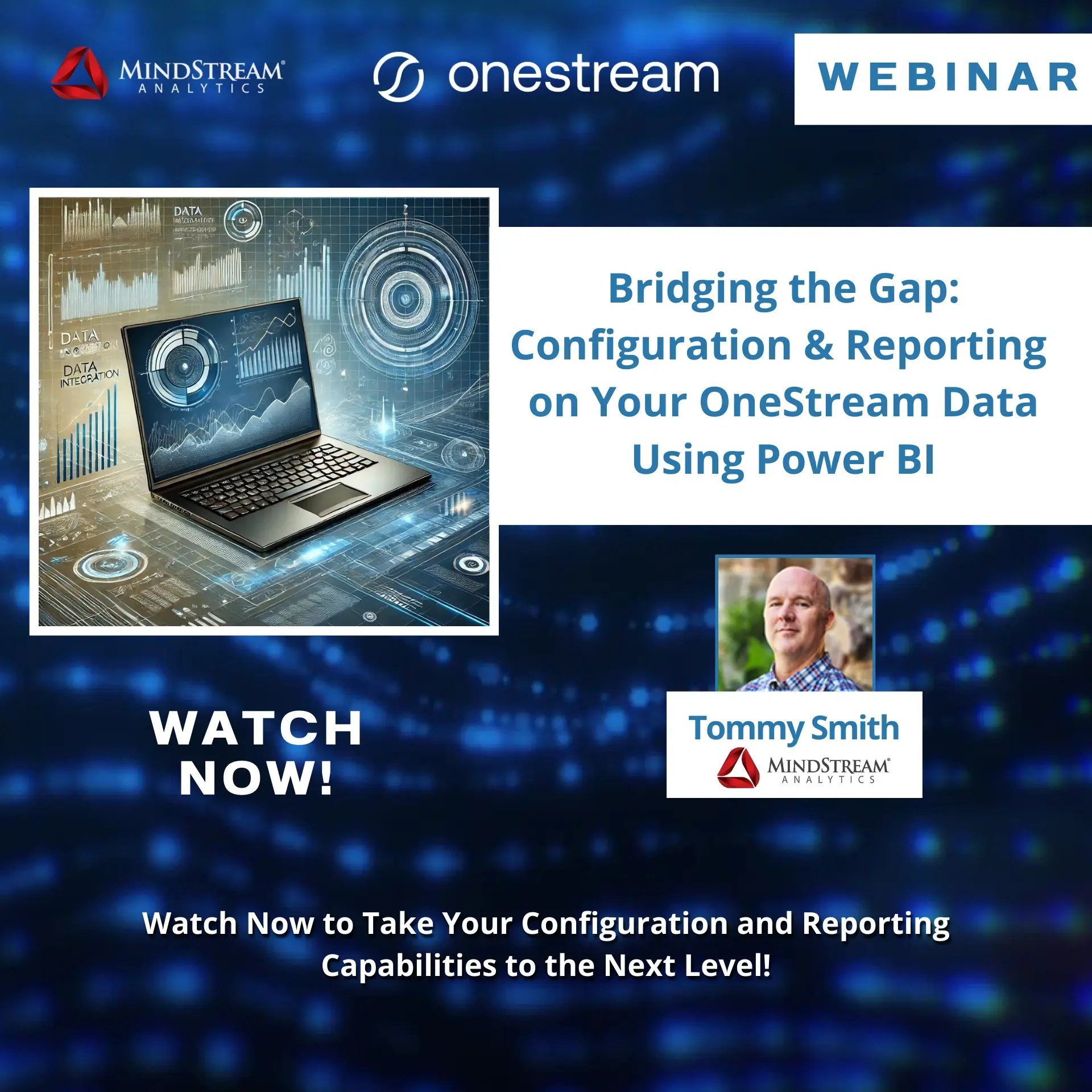
Integrate OneStream with Power BI: Webinar with MindStream Analytics
Elevate Financial Reporting with the OneStream Power BI Adapter
Unlock the full potential of your OneStream data by integrating it with Power BI for dynamic financial and operational reporting. Join MindStream Analytics for an insightful webinar to learn how the OneStream Power BI Adapter enables seamless data access, powerful visualizations, and actionable insights.
This session will equip you with the tools to configure the adapter, optimize data integration, and create compelling reports.
What You’ll Learn
- Step-by-Step Configuration: Set up the OneStream Power BI Adapter to unlock your data.
- Data Integration Best Practices: Maintain data integrity and optimize performance when pulling OneStream data into Power BI.
- Reporting and Analysis: Create dynamic reports and dashboards for actionable insights.
- Advanced Visualizations: Explore techniques to represent OneStream data in compelling ways.
Why Attend?
- Seamless Integration: Connect OneStream and Power BI for enhanced reporting.
- Practical Guidance: Learn best practices from MindStream Analytics’ experts.
- Actionable Insights: Build dashboards that drive better financial decisions.
Who Should Attend?
- Financial analysts and accountants
- Data professionals working with OneStream or Power BI
- IT specialists managing reporting integrations
Related Webinars
- How OneStream Quickviews put the A in FP&A
- Connecting OneStream and Workday Directly - Financials and People
- Bridging the Gap: Configuration and Reporting on Your OneStream Data Using Power BI
- From Spreadsheets to Simplicity: Transform Contract Accruals with MindStream's Accrual Manager
- Connecting OneStream and Snowflake: Bring Your Data to Life
- CPM Express: Your Fast Track to OneStream
- Unlocking OneStream Workspaces: A Hands-On Guide to Assemblies
- OneStream: The Power of One Platform for Intelligent Finance
- Unleash the Power of OneStream Reporting: A Webinar on Extensible Documentation
- Unlocking Data Insights with OneStream: A Guide to Relational Blending
Related Blogs
- OneStream Attribute Dimensions Explained
- OneStream Automating and Monitoring Action Scripts
- OneStream Data Import - Concatenating Two Source Fields
- Cash Flow and OneStream An Introduction
- OneStream Consolidation
- What are OneStream Extensible Dimensions?
- OneStream Composite Transformations Rules and Usages
- OneStream Workflow Calculation Definitions
- Overview of OneStream Linked Cube Views
- OneStream Scaling, Rounding and Footing
- OneStream Confirmation Rules - Ensuring Data Quality
- OneStream - Formatting When Dividing By 0
- OneStream XF Developer Efficiencies - Built In Vs Build End
- OneStream Excel Add Ins - Icons not working
- What to do if you experience the OneStream XF 500 Internal Server Error?
- Visualizing and Streamlining Data with OneStream Dashboards?
- OneStream Books - Easily Delivery Reporting Packages to your Users - Part 1
- OneStream Books - Easily Delivery Reporting Packages to your Users - Part 2
- OneStream Intercompany Matching and Eliminations
Related Links
- OneStream Analytic Blend
- OneStream Architecture
- OneStream Application
- OneStream Budgeting
- OneStream Data Integration
- OneStream Excel Add-In
- OneStream Vs Hyperion
- OneStream Vs Oracle HFM
- OneStream Vs FCCS
- OneStream Vs SAP BPC
- What is OneStream XF?
- OneStream Architecture
- OneStream CPM
- OneStream Consolidations
- OneStream Predictive Analytics
- OneStream Dashboard
- OneStream People Planning
- OneStream Sales Planning
- OneStream Thing Planning
- OneStream Transaction-Matching
- OneStream Hosting
- OneStream Task Manager
- OneStream Tax Provision
- OneStream Training